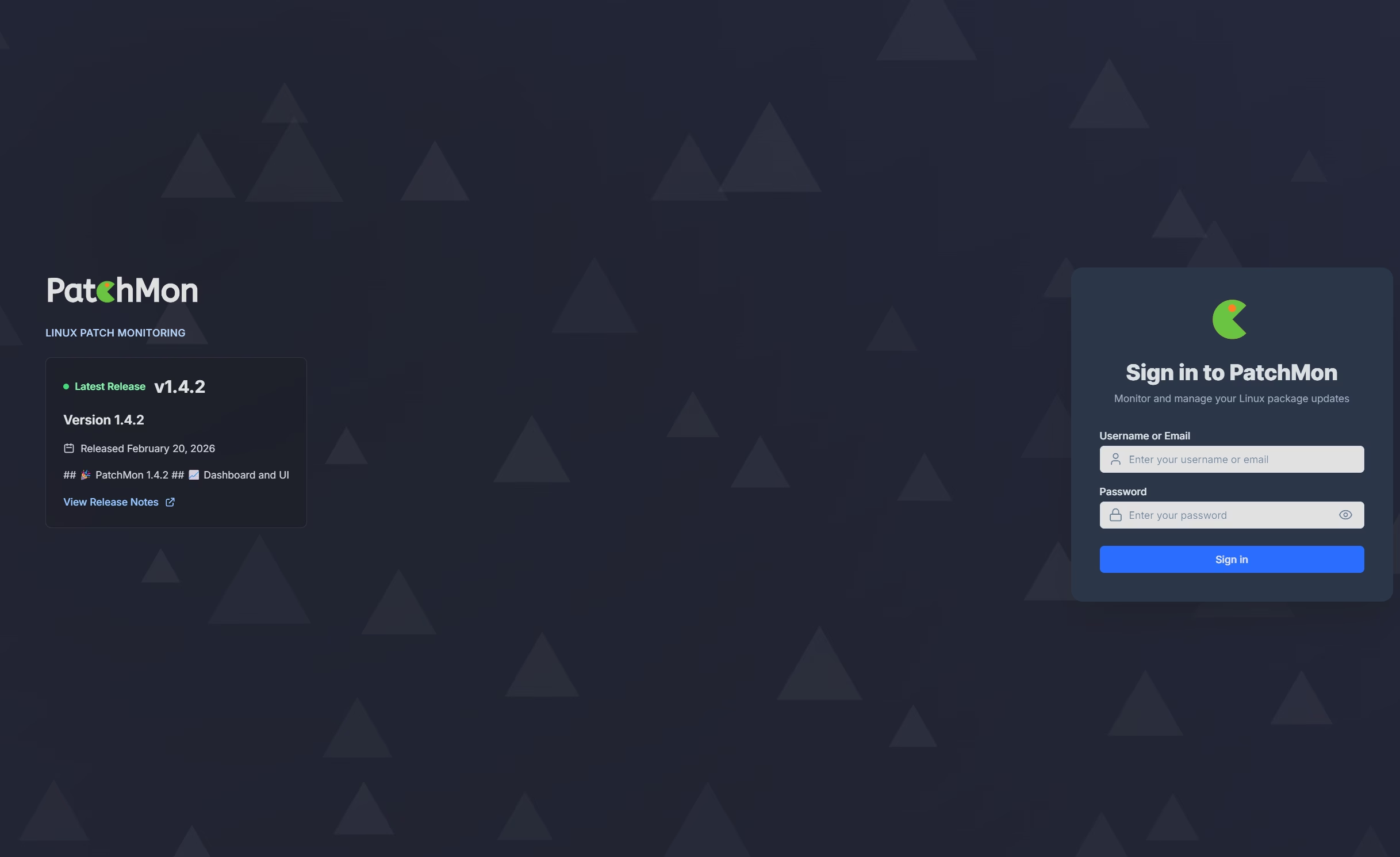
If you host Patchmon on an LXC (Proxmox) and use the Proxmox Community Scripts to deploy it you may have noticed that there seems to be a breaking change to it, that can cause chaos. Here’s a cheat sheet to get things back to as they were.
First things first, you may get a Failure saying that the update command cannot CP a file (.env) in the frontend, or at least it did for me, so a quick fix for that is to copy the example over to it, just so the script does not explode.
cd /opt/patchmon/frontend

# See what’s there
ls -la

# If there is an example env file, use it:
if [ -f .env.example ]; then
  cp .env.example .env
else
  # Otherwise create an empty .env so the updater can copy it
  touch .env
fi
After that make sure that you can reach the front end of Patchmon, however annoyingly the port will now have changed to port 3000 so http://patchmonIP:3000
You should get an error saying it cannot reach the back end, or may get one, if you do then we need to get that sorted.
cd /opt/patchmon/backend

# Edit .env
nano .env
Make sure to add in (also check to make sure your CORS_ORIGINS is correct for your environment while in here)
PORT=3001
TRUST_PROXY=1
Then restart the backend
systemctl restart patchmon-server
sleep 5
ss -tulpn | grep 3001
curl -i http://127.0.0.1:3001/health || curl -i http://127.0.0.1:3001/api/health
and lets make sure we get a 200 back from curl. You should now also get your login page if you refresh your browser. All good so far, the new version, with it’s new ports are back up and running. However you client devices will now not know how to communicate with the server, as they are trying to communicate on port 3399 which is the original port before they made all these changes.
You can now go two ways, either reconfigure all your devices, or change the ports back to what they originally were setup on. I chose to revert the ports. So here’s how to do that.
cd /opt/patchmon/backend
nano .env
And change the port listed back to 3399
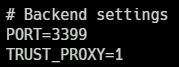
Then we restart the backend services
systemctl restart patchmon-server
sleep 5
ss -tulpn | grep 3399
curl -i http://127.0.0.1:3399/health
Make sure curl comes back with a 200 response
Now we need to reconfigure the frontend, so it knows how to speak to that service, and so we can communicate with it on port 80 (where your reverse proxy will be expecting it I assume)
nano /etc/nginx/sites-available/patchmon.confThen change
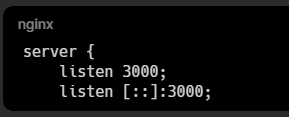
To
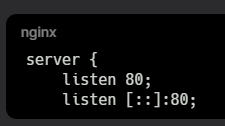
and find the server ports (under the /bullboard and /api/ sections)
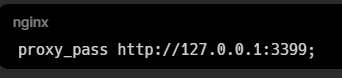
OK, so we have now change the ports that the nginx service is hosting those things on, back to where they were originally setup. Just need to get nginx updated
nginx -t
systemctl reload nginx
ss -tulpn | grep ':80 '
Make sure the listener for the service connections is working OK
systemctl status patchmon-agent --no-pager
journalctl -u patchmon-agent -n 50 --no-pager
Make sure there’s no connection errors, and you can see ‘received heartbeat / job‘
Check then from a client that is already configured
curl -i http://<ip address of server>:3399/healthAnd make sure you get a nice, clean 200 response.
That should be it, all should now be functioning as expected. Hope that helps others.
No responses yet