I Forked a Sarcastic Network Monitor and Gave It Even More to Complain About
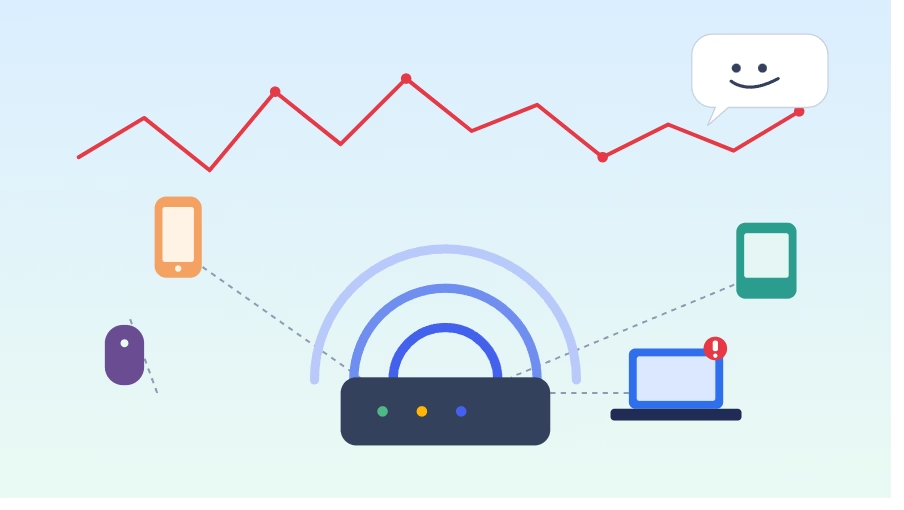
A while back I found netmon, a small self-hosted tool by Role1776 that does something I didn’t know I wanted until I had it: it runs a speed test on your network every 30 minutes, scans your LAN for connected devices, and every few hours sends you a report with a graph and a genuinely funny, slightly unhinged AI-written summary of how your internet has been behaving. Not “average download speed: 140 Mbps.” More like “someone’s hogging the bandwidth again, or the ISP’s mice are back at the fibre line.”
It’s the kind of tool that’s useful precisely because it doesn’t take itself too seriously — until your line actually drops, at which point you’re glad something was watching.
I liked it enough that I started poking at it, and the poking didn’t really stop. What started as a couple of small fixes turned into a genuinely large set of additions, all of which now live on a combined testing branch on my fork: netmon.
A quick honesty note before the feature list: this branch is a personal testing ground, not an official release. It bundles a stack of individual pull requests I’ve opened against the upstream project, some already reviewed and merged, some still waiting on the maintainer (who reviews everything solo, so I’ve kept each PR small and split rather than dumping one giant diff on him). If you want the stable, maintainer-approved version, go to the original repo. If you want to see where things are headed — or just want more features today and don’t mind running ahead of review — that’s what this branch is for.
So what did I actually add?
Device Watch. netmon already counted devices on your network; now it actually knows which devices, by MAC address, vendor, and hostname where it can figure them out. Two things fall out of that: it’ll flag any device that’s new to your network in the last two weeks, and — the flip side — it’ll alert you the moment a device that’s normally always online (a NAS, a server, whatever) suddenly vanishes, and again when it comes back.
Instant outage and degradation alerts. The original tool’s detailed reports only come around every few hours. If your internet dies at 2am and recovers by 3, you’d never know unless you happened to be awake for the mini status update. Now a short run of bad or failed readings triggers an alert immediately — and there’s a lightweight connectivity check running between the full test cycles too, so even a blip that resolves in a couple of minutes gets caught.
Jitter and bufferbloat reporting, if you’re using the optional Ookla speed test backend instead of the classic one — a connection can look great on paper (excellent Mbps) and still feel laggy under load, and jitter is usually why. The AI commentary now calls that out specifically instead of just reporting a big throughput number and moving on.
Database retention. The original stores every reading forever. Fine for a while, less fine after a year of 30-minute intervals. Old rows past a configurable age now get pruned automatically.
A one-shot setup script. Getting all of this running used to mean working through a checklist — installing dependencies, granting a scoped sudo permission for the device scanner, configuring a dozen environment variables by hand. Now there’s a single script that does the whole thing, including asking you upfront whether you want the classic speed test tool or Ookla’s official CLI — and being upfront about the tradeoff: Ookla measures fast connections more accurately and unlocks the jitter reporting above, but it’ll actively try to saturate your line to do it, using a lot more bandwidth on every single test cycle than the lighter classic option. Worth knowing before you pick one, not after you notice your video call stuttering every 30 minutes.
There’s more underneath — better failure handling so infrastructure problems announce themselves instead of failing silently, notifier fixes so long reports don’t get cut off mid-sentence on Discord, that kind of thing. The full list, with the actual technical detail, is in the README on the Fork.
If you’re running a home network and want something watching it that’s actually a little entertaining to hear from, start with Role1776’s original netmon — it’s the real foundation here, and it’s genuinely good on its own. If you want the extended version with everything above, my fork has a setup script that’ll get you running in a few minutes.
Comments are closed